ConnectHealth v0.3.71
One-click hospital VPN connectivity that tolerates overlapping networks, plus the Healthie and AdvancedMD integrations.
Connecting a hospital used to mean manual network setup and a careful check that its private address range did not clash with anyone else's. This release replaces that with a single deployable connector — one per hospital, isolated from every other, and safe even when two hospitals use the same internal address range. It also adds the Healthie and AdvancedMD integrations and completes the FHIR editing capability set.
✨ What's New
🌐 Hospital Connector — One Deployment Per Site
A dedicated, repeatable connector for bidirectional HL7 connectivity over a Site-to-Site VPN.
- ✅ Overlapping networks are fine — two hospitals can use the same internal address range without conflicting. Previously this required renumbering on one side
- ✅ Fully isolated — each hospital gets its own network segment, so no site can see another's traffic
- ✅ No manual setup steps — the connector wires up its own routing on deployment; there is no console work to follow
- ✅ Traffic both ways — hospitals send messages in and receive messages back on the same link
- ✅ Clean teardown — removing a hospital removes its connector and everything it provisioned
🏥 Healthie
Healthie joins the supported platform list for system-to-system workflows, with setup guided by your Healthie organization identifier.
🏥 AdvancedMD
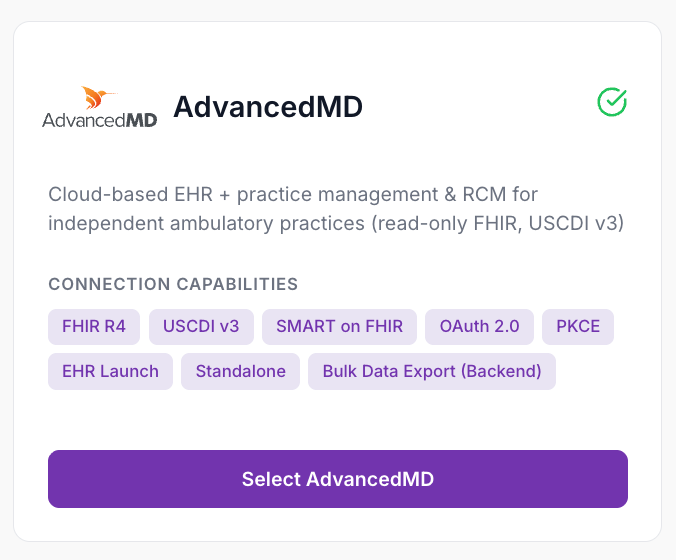
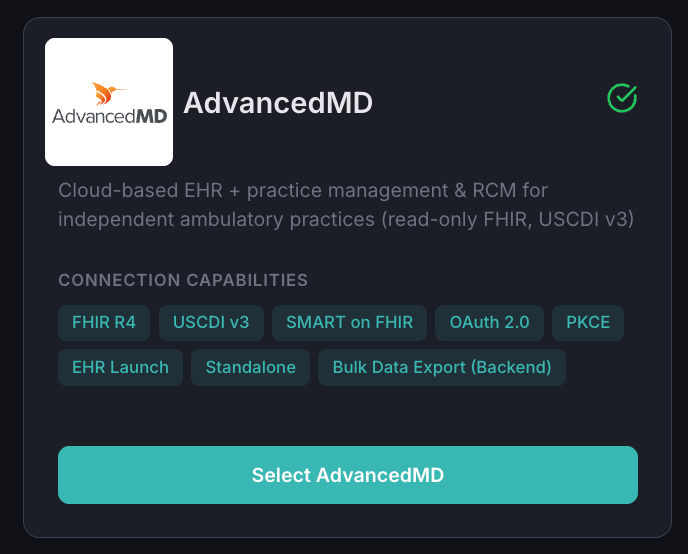
AdvancedMD is supported for clinician-launched access and for population-level data export.
- ✅ Read access to FHIR R4 — search and read, per the Cures Act certification criteria
- ✅ Bulk export — pull population-level datasets asynchronously for reporting and analytics
🔧 Update Existing FHIR Records
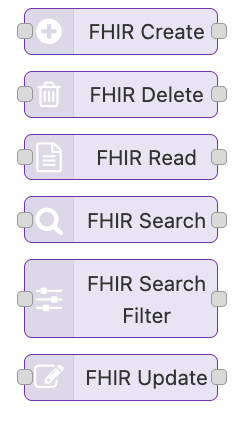
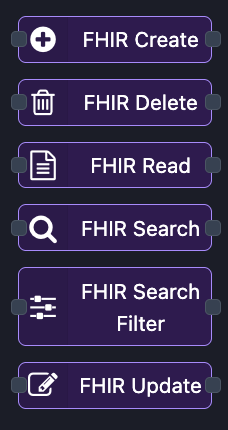
A new workflow step replaces an existing FHIR resource, completing the set alongside create, read, search and delete. Available across every supported EHR.
📊 Clearer Subscription Usage
- ✅ See exactly how your plan is being used — a new usage view breaks down how each connection counts toward your limit, including which connections share a licensed slot because they point at the same organization
- ✅ Embedded launches no longer deadlock — a connection created for an embedded launch is counted once its organization is known, rather than blocking activation up front
- ✅ One number everywhere — the usage you see and the limit that is enforced are now calculated the same way, so they can never disagree
🔍 Reliable Connection Paging
The connections list now pages correctly no matter how many connections you have. Connections can no longer be skipped or shown twice while paging, and a stale link returns you to the first page instead of failing.
🧾 A Cleaner Audit Trail
- ✅ Each action is recorded once, not several times over
- ✅ Internal system events no longer clutter the audit view, while remaining retained for compliance
- ✅ Sign-in failures read in plain language instead of raw protocol codes
⚠️ Action Required — Token Refresh
The token refresh call has changed from a GET to a POST, with the refresh token sent in the request body rather than in the URL. This resolves failures that occurred when an EHR issued an unusually large token.
Any client or workflow that refreshes tokens must be updated. See the Upgrade Guide included with this release for the exact change.
🐛 Fixes
| Area | Fix |
|---|---|
| AdvancedMD | Bulk export and endpoint discovery resolve correctly regardless of how the base address is entered |
| Billing | Connections to platforms that share one API address are now counted correctly |
| Elation | Sandbox sign-in and token validation corrected |
| FHIR search steps | Search filters survive exporting and re-importing a workflow |
📝 Upgrading
No database migration and no change to existing connections or workflows — apart from the token refresh change above, which requires action. To connect a hospital, enable client connectivity on the main deployment, then deploy one connector per site with its own address range.
🚀 ConnectHealth v0.3.71 — hospital connectors, Healthie and AdvancedMD, and billing you can verify