ConnectHealth v0.3.72
Queue-driven workflows with Amazon SQS, one-click workflow templates, and importing a workflow that simply works.
Workflows get two significant upgrades in this release: they can now read from and write to Amazon SQS queues, and importing a workflow no longer means rewiring it by hand. The Elation Health integration is complete, and session handling is tightened so that signing out or being removed takes effect immediately.
✨ What's New
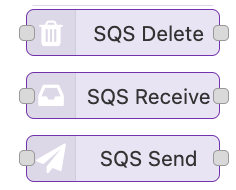
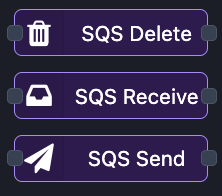
📨 Amazon SQS in Your Workflows
Build queue-driven workflows without leaving the Workflow Builder.
- ✅ Send and receive — drop a message onto a queue, or start a workflow from one
- ✅ Poll on a schedule — a receiving step can watch its queue on an interval you choose, with no upstream trigger needed
- ✅ Configure once — credentials and region are set in one place and shared by every queue step
🏥 Elation Health — Complete
The Elation Health integration is finished and shipped. Background workflows authenticate with a client ID and secret, with no certificate or key setup required.
🔀 Workflow Import That Just Works
Importing a workflow used to leave you reconnecting steps and re-selecting connections. Not any more.
- ✅ Steps reconnect themselves — an imported workflow arrives wired up
- ✅ Connections map automatically — imported steps point at your connections, so the workflow is runnable straight away
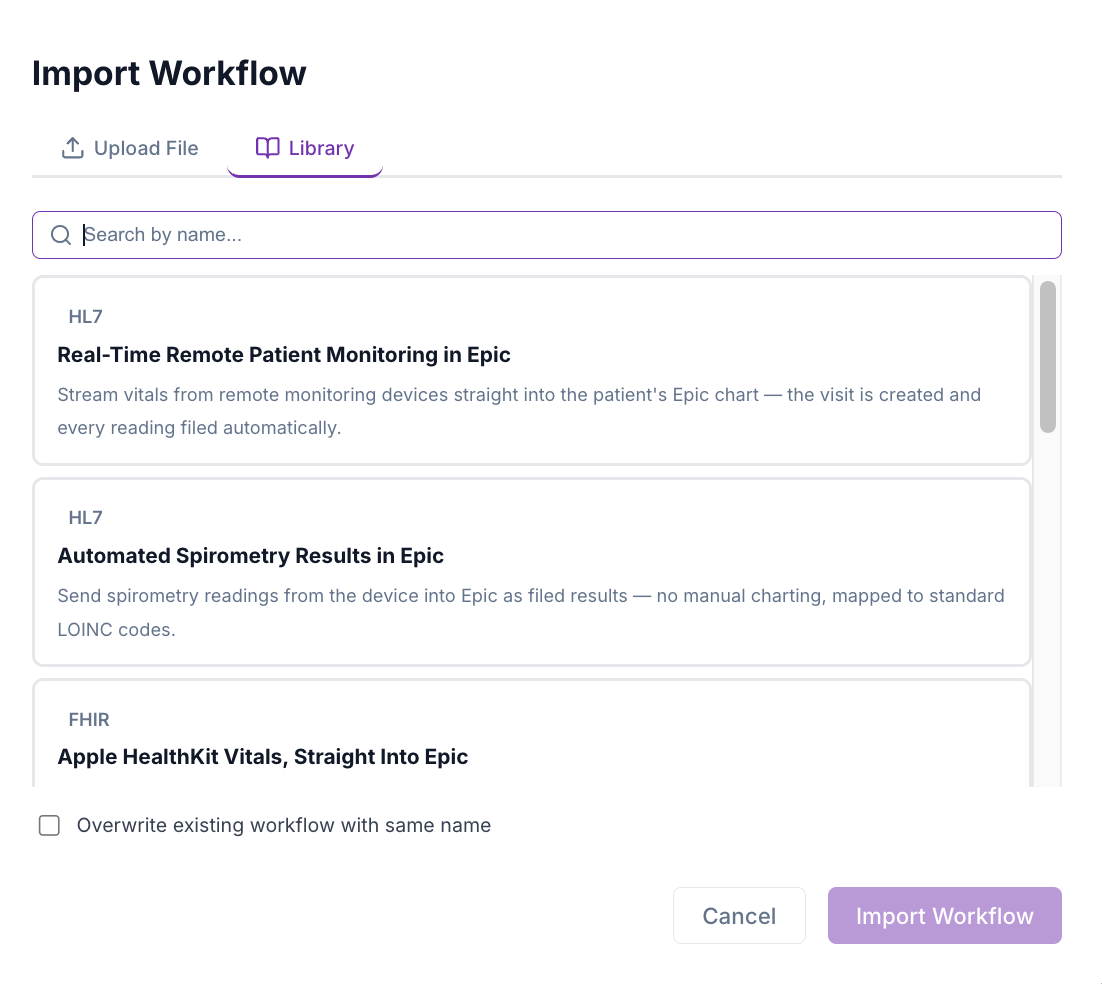
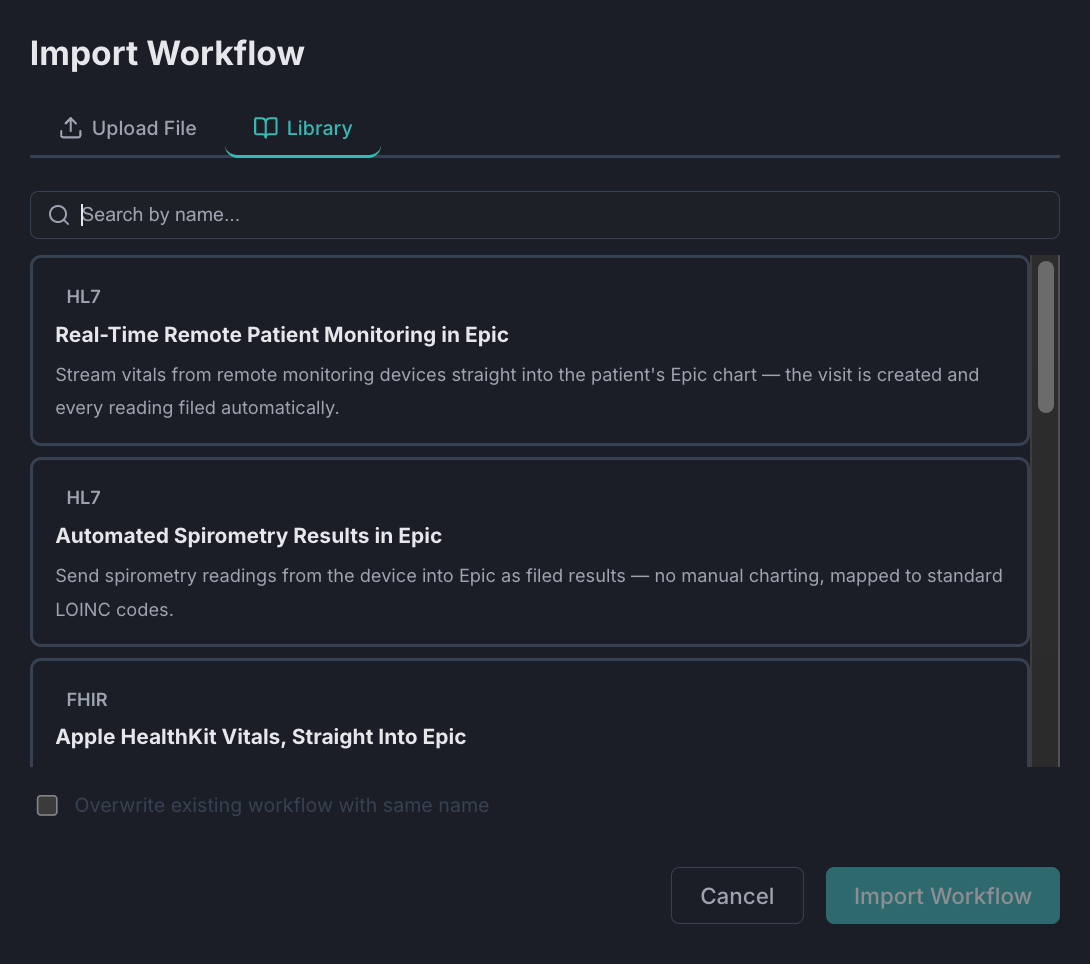
- ✅ Template library — a Library tab in the import dialog offers ready-made, searchable workflow templates for one-click import
🔐 Tighter Session Handling
- ✅ Nothing fires after sign-out — when a session expires the interface is blocked and in-flight requests are cancelled, so a stray action cannot slip through
- ✅ Back where you left off — signing in again returns you to the page you were on
- ✅ Removed users lose access immediately — deleting a user invalidates their active session on their next request rather than at expiry
🧾 Workflow Actions in the Audit Log
Workflow imports and exports are now captured in the audit trail, with workflows shown as their own entity type and event details written in plain sentence case.
🌐 Duplicate HL7 Routes Caught Early
Connector setup now detects a conflicting or overlapping HL7 route as you enter it, rather than after saving.
🐛 Fixes
| Area | Fix |
|---|---|
| Connections | The dashboard tab no longer stays highlighted, and a connection is no longer disabled, after opening Manage |
| Connections | Search now matches on connection ID |
| Connections | The search filter clears when you return from adding a connection |
| Connections | Manage opens at the top of the page instead of partway down |
| Connections | Embedded-connection notes are readable in dark mode |
| Workflows | Descriptions are editable from the dashboard again |
| Workflows | List order holds after activating a workflow — flows no longer jump to the last page |
| Workflows | Importing a workflow or enabling a flow after a licence lapse no longer breaks its web trigger |
| Workflows | The duplicate "Add Workflow" button on an empty search result is gone |
| Workflows | The filter dropdown matches the application theme |
| FHIR search step | Reports the correct count when a search returns no results |
| Users | The required-field marker is shown on the change-password field |
| Settings | Loader placement corrected in dark mode |
| Documentation | In-product documentation is readable in light mode |
📝 Upgrading
No database migration, and no change to existing connections or workflows. To use the queue steps, add a queue configuration with your region and credentials, then reference it from your send and receive steps.
🚀 ConnectHealth v0.3.72 — Amazon SQS workflows, effortless imports, and session hardening